AI-assisted developer tools need a smaller promise
Build trustworthy AI developer tools with bounded tasks, evidence, structured output, privacy controls, evaluation, and human review.
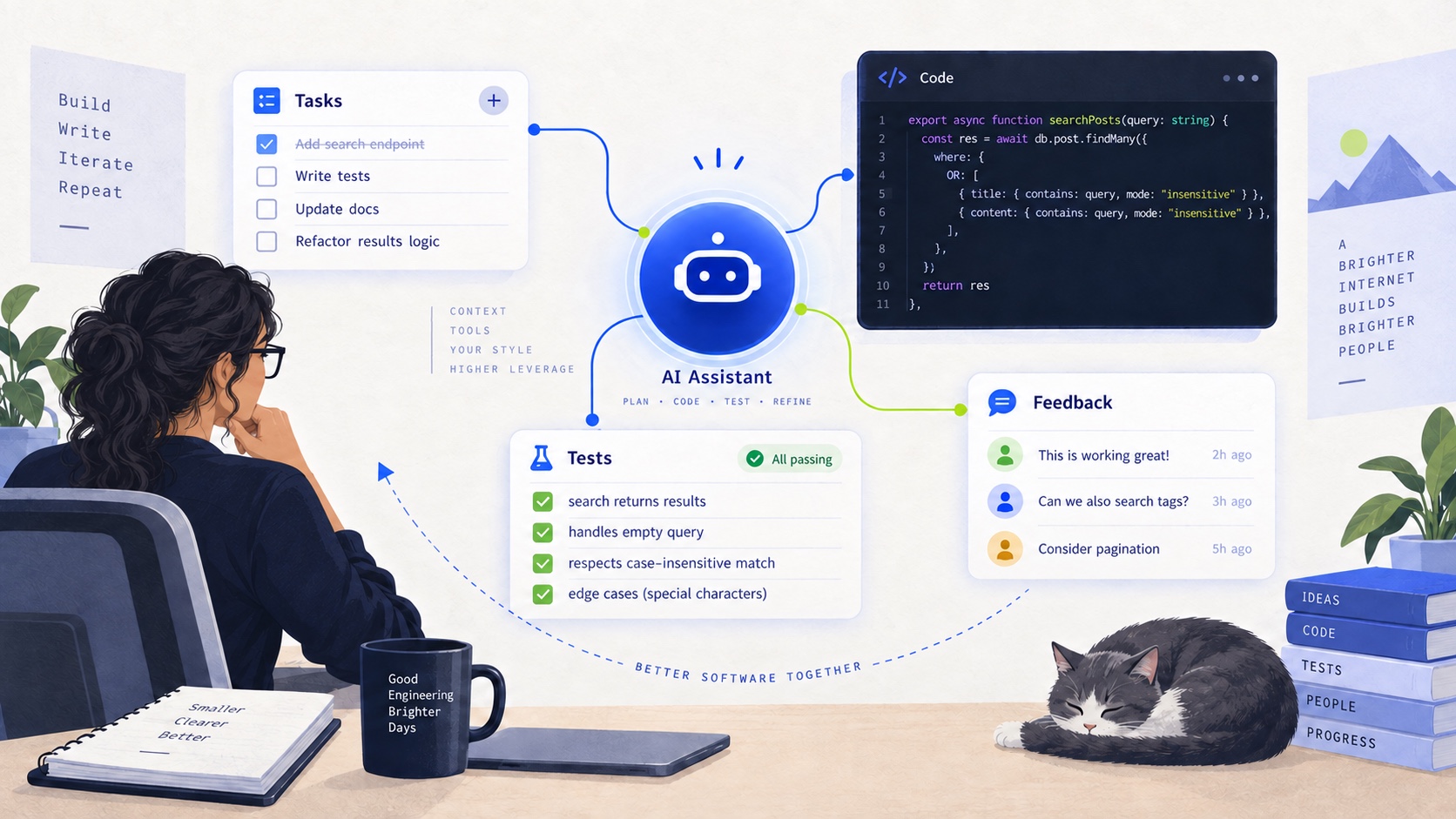
The first generation of AI developer tools made a large promise: give them a repository and they will understand the whole system.
That promise is attractive and usually too large.
Software projects are not only collections of source files. They include conventions, deployment assumptions, database history, product decisions, undocumented edge cases, and knowledge that exists only in the heads of the people maintaining them. A model can produce fluent text about a codebase without producing a trustworthy explanation of it.
The most useful AI-assisted developer tools make a smaller promise. They take a bounded task, gather the right evidence, produce a useful artifact, and make uncertainty visible enough for a developer to review.
That is the difference between a generic chatbot and a developer tool.
Start with the job, not the model
When I built an AI-assisted documentation and code-analysis tool, the important question was not which model could generate the most text. It was which developer task had a clear input and a useful output.
Good candidates are narrow enough to evaluate:
- summarize the public behavior of an API module;
- draft documentation from a set of selected files;
- identify the main responsibilities of a service;
- explain a test failure using the supplied logs and source context;
- generate a code-review summary with links to the relevant changes;
- list missing documentation for a known set of endpoints.
These tasks have boundaries. They also produce artifacts that a person can inspect. “Understand this entire organization” does not have the same shape. It is a request for a conclusion without an agreed definition of success.
The smaller the promise, the easier it is to define what evidence the tool is allowed to use and what the reviewer should verify.
Retrieval is part of the product
An AI tool can only explain the context it receives. If the context is incomplete, the output may still sound complete.
That makes retrieval a product concern rather than an implementation detail. The tool needs a strategy for deciding which files, symbols, configuration values, tests, and history belong in the prompt. It should also know what not to include: secrets, generated artifacts, unrelated dependencies, and files outside the requested scope.
A simple pipeline might look like this:
- Accept a bounded task and an explicit input scope.
- Discover relevant files and structural metadata.
- Filter out secrets, binaries, generated output, and ignored paths.
- Select context according to the task rather than by file size alone.
- Ask the model for a structured result.
- Attach evidence and uncertainty to the result.
- Let the developer review, edit, export, or reject it.
The model is one step in the pipeline. If the wrong files enter the context, a stronger model does not repair the product decision.
Structured output beats impressive prose
Documentation generated as a large paragraph is difficult to verify. A structured output gives the tool and the reviewer more leverage.
For an API analysis, a useful result might contain:
{
  "summary": "...",
  "responsibilities": ["..."],
  "inputs": [
    { "name": "tenantId", "description": "...", "required": true }
  ],
  "sideEffects": ["..."],
  "evidence": [
    { "file": "src/routes/report.ts", "line": 42, "reason": "..." }
  ],
  "uncertainties": ["..."],
  "confidence": "medium"
}
The exact shape will vary, but the principle is stable. Separate what the tool observed from what it inferred. Keep citations close to claims. Give the reviewer a place to look when the summary is wrong.
This also improves downstream behavior. A structured result can become Markdown, a pull-request comment, an internal knowledge page, or a checklist without asking the model to rewrite the same answer repeatedly.
Evidence should travel with the claim
The most dangerous output is a plausible statement with no path back to the code that supports it.
I want every important claim to be traceable to one of three things:
- a source file or symbol;
- a test or command result;
- or an explicit user-provided statement.
If the tool cannot find evidence, it should say so. “No matching implementation found” is more useful than an invented explanation. The interface should make unsupported claims look different from grounded ones, even if the language is less polished.
Evidence also helps resolve ambiguity. A method may look like it writes to a database while a feature flag prevents that path in production. A route may accept a parameter that is ignored by the current service. A generated document should not hide those details behind confident prose.
The goal is not to make the model sound cautious everywhere. It is to make confidence proportional to evidence.
Do not confuse summarization with understanding
Summarization is useful, but it is only one operation.
A summary compresses information. Understanding requires relationships: which endpoint calls which service, which table stores the result, which configuration changes the behavior, and which tests protect the contract.
For that reason, a developer tool should offer different views instead of one universal answer:
- a high-level module overview;
- a route-to-service map;
- a data-flow explanation;
- a configuration inventory;
- a test coverage or missing-case report;
- and a change-focused summary for a specific diff.
Each view asks a different question and needs different context. A route summary should not pretend to be an architecture document. A diff summary should not reconstruct the entire product. Narrow views make the output more actionable.
AI output needs a review workflow
Human review is not an apology for using AI. It is part of the product contract.
The tool should help the reviewer answer:
- What did the tool inspect?
- Which claims are directly supported?
- What assumptions did it make?
- What changed from the previous version?
- Which sections need correction?
- Can the reviewer accept only part of the result?
A good review interface preserves the original evidence, highlights uncertainty, and makes edits easy. It should not force the reviewer to regenerate the whole document because one paragraph is wrong.
For code analysis, a useful output may be intentionally incomplete. A reviewer can fill in missing business context, correct a mistaken dependency, and approve a specific section. The system should preserve that human contribution instead of overwriting it on the next generation.
Privacy is an architecture constraint
Developer tools often see more sensitive information than their creators initially expect. Repositories may contain credentials, customer identifiers, private URLs, internal business rules, or data samples that should never leave the environment.
Privacy cannot be handled by a final warning in the UI. It needs a path-level design:
- define which files and directories are eligible for analysis;
- respect ignore files and explicit exclusions;
- scan for secrets before context leaves the process;
- redact or summarize sensitive values where possible;
- record what was sent to an external model;
- and give the user a way to inspect or approve the context.
The tool should fail closed when it cannot establish that a file is safe to include. Convenience is not a reason to send an entire repository to a model.
The same principle applies to generated artifacts. A document that includes a secret by accident can be copied, indexed, exported, and shared long after the original request is forgotten.
Evaluate the artifact, not the vibe
AI products are easy to demo because fluent text feels like progress. Evaluation needs to look at the artifact.
For documentation, useful checks include:
- Does the output name the correct entry points?
- Are parameters and return values accurate?
- Are examples consistent with the current code?
- Are unsupported claims marked as uncertain?
- Can another developer find the cited evidence?
- Does the result reduce the time needed to complete the task?
For code-review summaries, check whether the tool identifies behavior changes, missing tests, risky assumptions, and unrelated noise. For architecture maps, check whether the relationships match the actual call graph and configuration.
Evaluation should include difficult cases: incomplete repositories, ambiguous names, generated code, conflicting documentation, missing tests, and changes that look small but affect a boundary.
The measure is not how often someone says the output sounds good. It is whether the output helps a developer make a better decision with less manual searching.
Latency and cost shape the experience
An AI-assisted workflow can be technically accurate and still fail as a product if every action takes too long or costs too much.
The interface should separate quick feedback from expensive generation. It can show the discovered scope first, allow the user to adjust it, then start the model request. It can stream a structured result while preserving the final artifact as a stable document. It can cache deterministic repository metadata without caching sensitive model output indefinitely.
Cost controls should be explicit too. Limit context by task, avoid resending unchanged files, reuse stable analysis where appropriate, and make expensive operations user-initiated. A tool that quietly analyzes an entire monorepo for every small question will eventually become unavailable or get disabled.
Fast feedback also improves trust. Showing “I found 12 relevant files” is more useful than showing an empty screen while a large request runs invisibly.
Design for correction
The first answer will sometimes be wrong. The system should make correction productive.
Useful correction paths include:
- exclude this file from the analysis;
- this claim is incorrect;
- add this source as required context;
- use this terminology in future documents;
- preserve this approved section;
- regenerate only the affected part.
These are not only user-interface features. They create feedback about the task definition and retrieval strategy. If the same correction happens repeatedly, the tool has discovered a missing rule.
Correction should not become silent training data by default. Developers need to know whether their edits affect only the current document, the project workspace, or a shared model configuration.
The useful promise is smaller
AI-assisted developer tools work best when they stop trying to replace understanding and start reducing the cost of finding it.
Give the tool a bounded task. Select context deliberately. Produce structured output. Attach evidence to important claims. Make uncertainty visible. Protect secrets before model calls. Measure the artifact instead of the fluency. Let a developer correct one part without throwing away the rest.
When I think about AI in developer workflows, this is the standard I return to: the tool should make the codebase more legible without pretending that generated language is the same thing as knowledge.
The most valuable AI tool may not write the most code. It may help a new developer understand the right code, help a reviewer find the risky assumption, or help a team turn scattered implementation details into documentation they can actually maintain.